

Design Guidelines
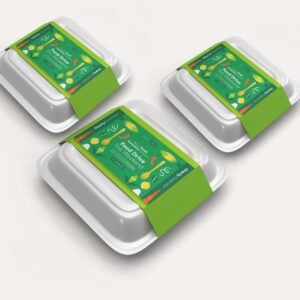
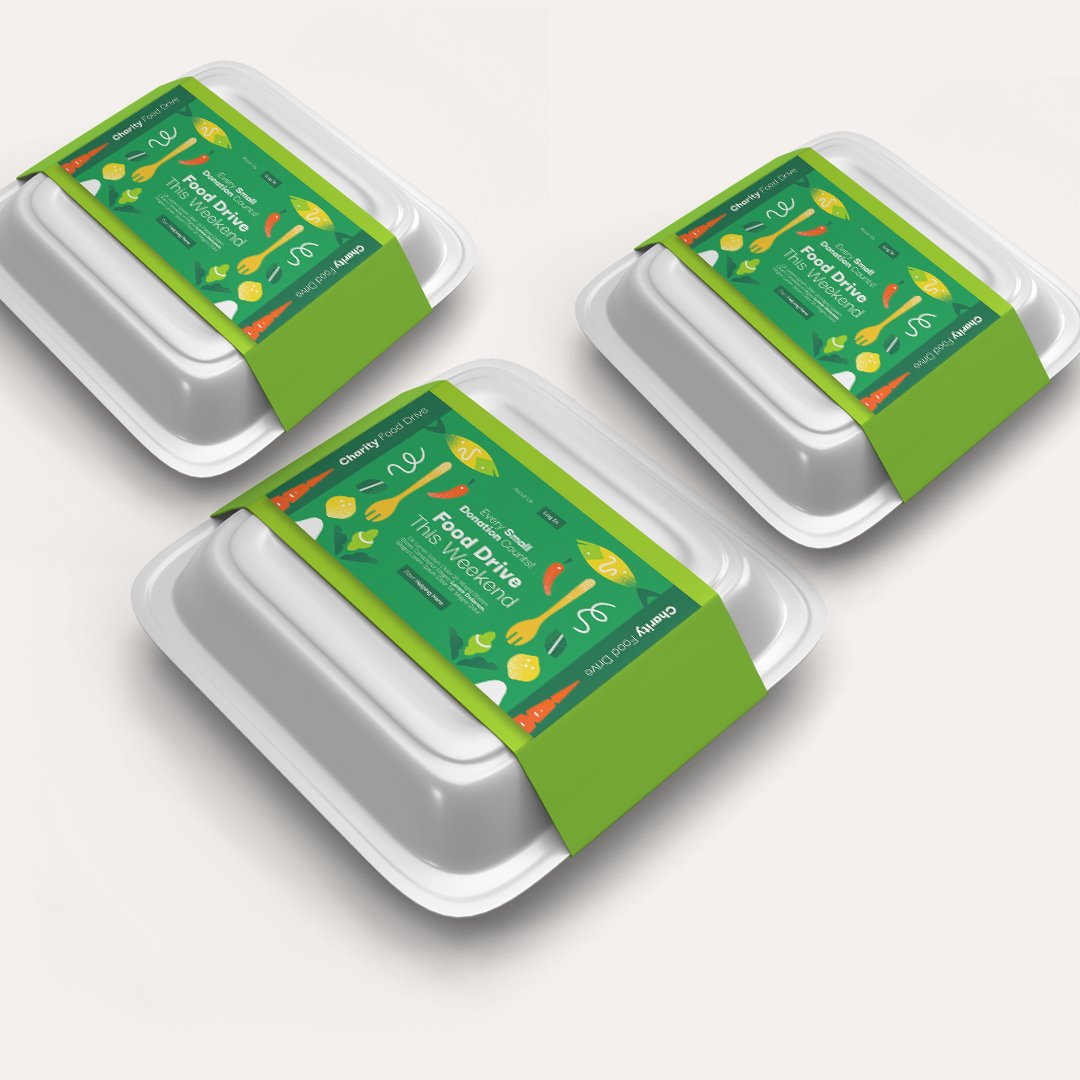
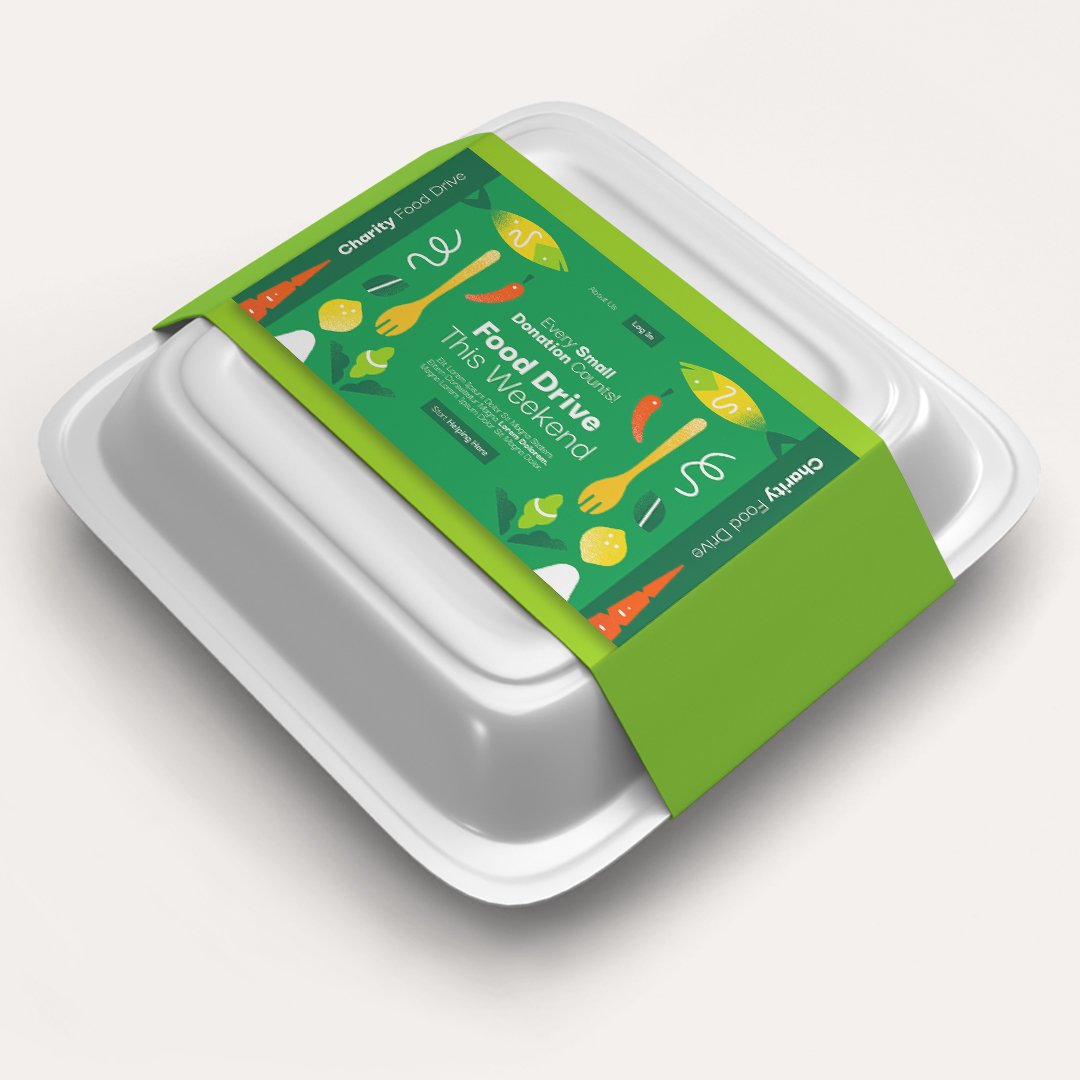
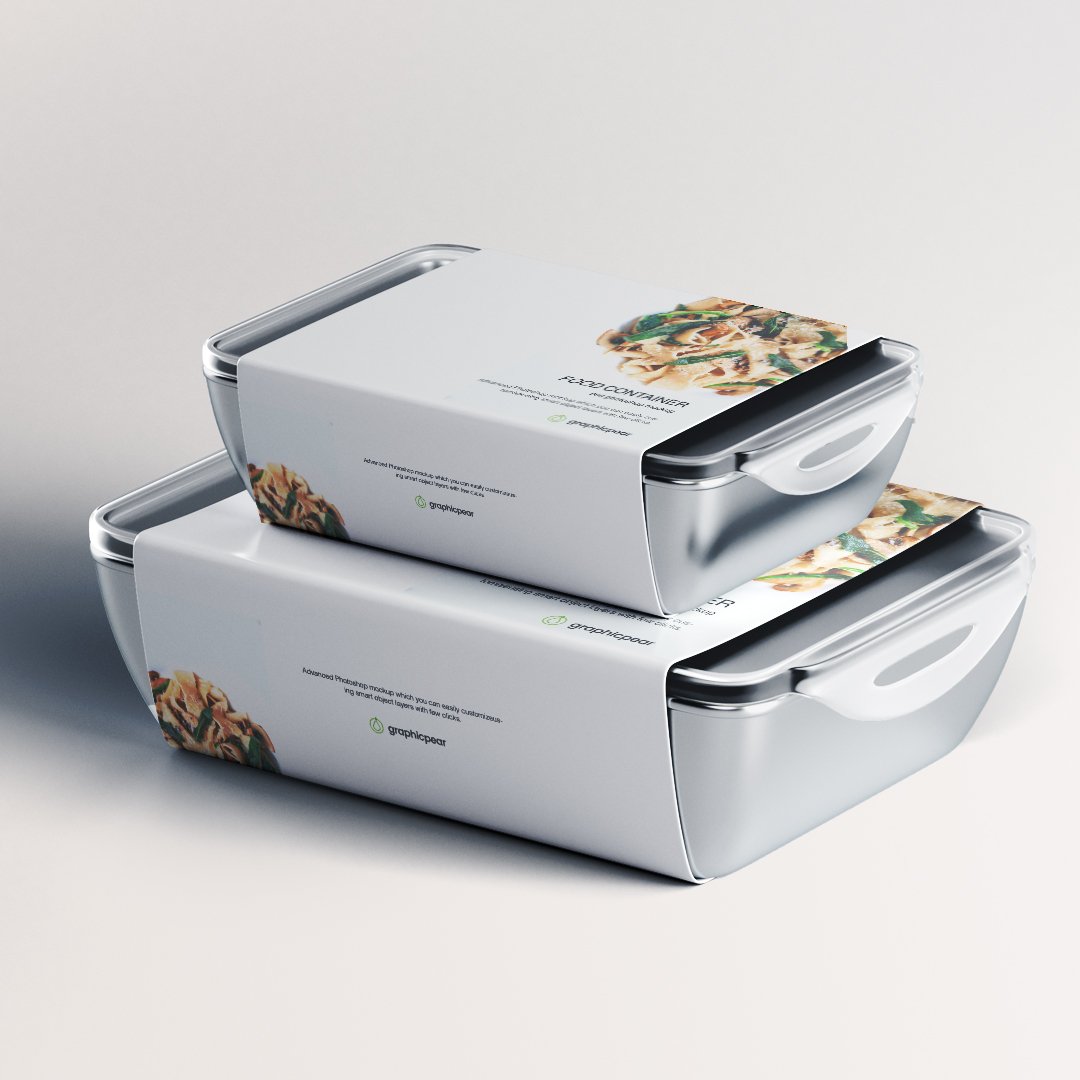
- Choose the size of the Packaging Sleeve that you would like to print
- Add 3mm extra to your file size – Eg., if your sleeve size is 76.2 x 203.2 mm, take your file size as 82.2 x 209.2 mm and extend the background color/artwork to the full size.
- Document Trim Size: 76.2 x 203.2 mm
- Safety area: 66 x 193 mm (Let your text be within this area)
- To avoid white edges, extend your design to the full bleed size (82.2 x 209.2) – but keep text and images within the safety area (40.8x79mm).
- Use font size above 8pts for optimal visibility.
- Choose bold fonts size 10 and above when using white text
- For best quality prints, save your file in 300 dpi resolution.
- Upload your ready to print file in .pdf or .jpeg or .svg or .png format